
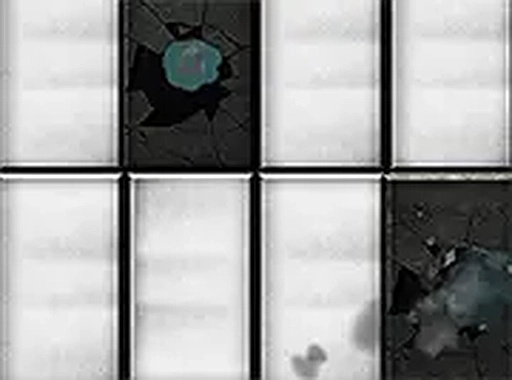
Tile Tap Reflex Challenge
About
Tile Tap Reflex Challenge delivers a straightforward and addictive experience. The two modes provide variety, and the instant browser play makes it perfect for quick breaks. The controls are responsive, and the challenge of beating your own score keeps you coming back. It is a clean, family-friendly game that sharpens your focus.
Game Introduction
Tile Tap Reflex Challenge is a browser-based reaction game that focuses on speed and attention. The main idea is simple: black tiles show up on the screen, and you need to tap them quickly while making sure not to touch any white tiles. If you tap a white tile, the round ends immediately. This easy-to-understand rule makes the game accessible to everyone, but getting a high score requires practice and focus. The game includes two modes: Classic, where tiles appear at a steady pace, and Rush, which increases the speed for a more demanding experience. It runs smoothly on both mobile and desktop browsers without any downloads, so you can start playing right away. The fast-paced action keeps you engaged, and each mistake gives you a fresh start, encouraging you to improve your reaction time. It is a great way to sharpen your concentration and enjoy short gaming sessions.
How to Play
To play Tile Tap Reflex Challenge, simply tap or click on the black tiles as they appear on the screen. Avoid touching any white tiles, as doing so will end the game. In Classic mode, tiles move at a consistent speed, allowing you to build a rhythm. Rush mode speeds up the action, testing your reflexes further. Your score increases with each black tile you successfully tap. The game tracks your progress, so you can try to beat your previous high score. You can enable full screen mode for a more immersive experience. There are no complex rules or tutorials needed—just quick thinking and fast fingers. The intuitive design lets you jump right in and start playing. With practice, you can improve your timing and accuracy, making each round more rewarding.
Game Features
Tile Tap Reflex Challenge offers simple tap controls that are easy to learn. It includes two game modes: Classic and Rush. The game is free to play with no downloads required. A full screen option is available for a more focused experience. The content is family-friendly and suitable for all ages. The game performs smoothly on both mobile and desktop browsers, ensuring a consistent experience across devices.
Tips for Success
To improve your performance in Tile Tap Reflex Challenge, focus on maintaining a steady rhythm in Classic mode. In Rush mode, practice reacting faster to the increasing speed. Try to stay relaxed and keep your eyes on the upcoming tiles. Each game is a chance to beat your personal best, so keep playing and your reflexes will sharpen over time.









Comments
Sign in to comment
You must be logged in before posting a review or rating.
No account? Create one
No comments yet. Be the first to comment!